

















Offcanvas

Offcanvas

Interactively Reveal Stunning Sidebar Content With Offcanvas

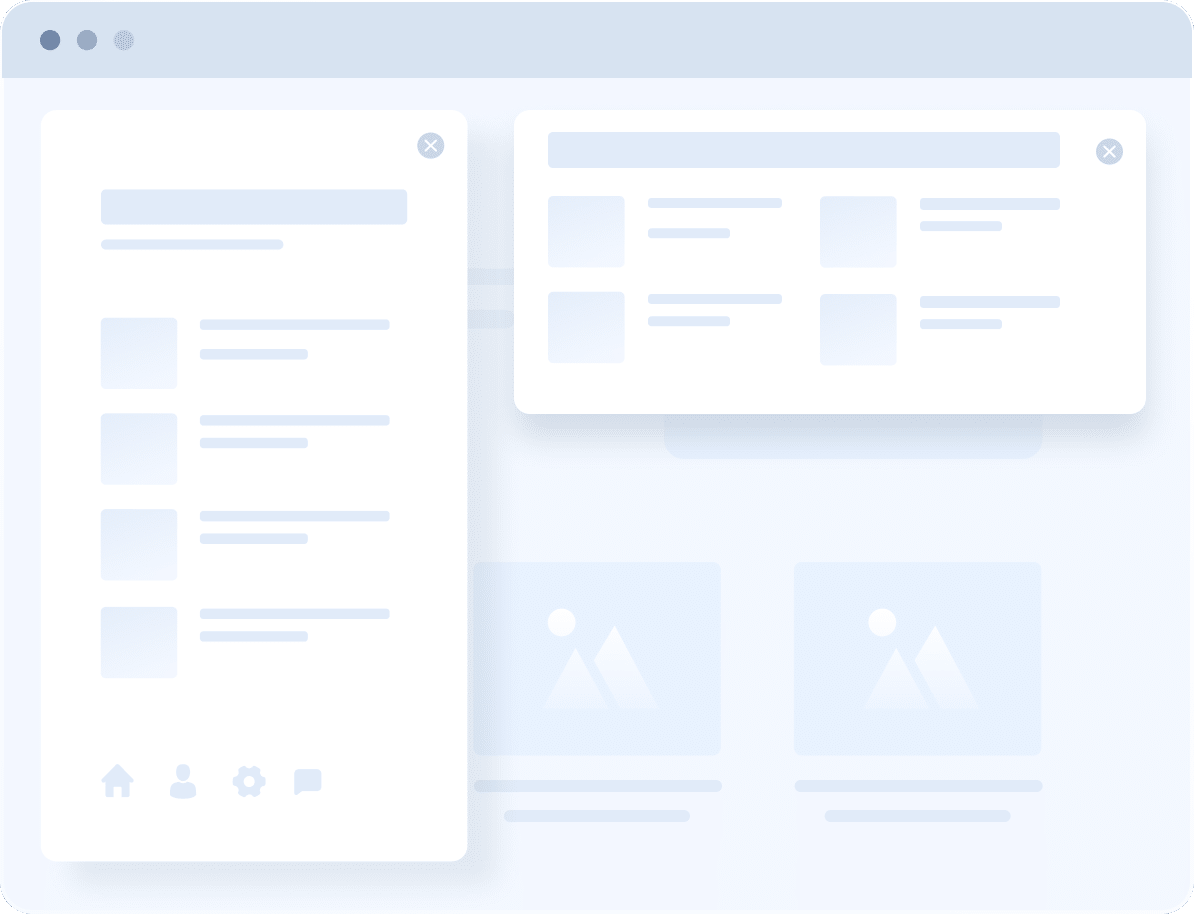
Unveil information with engaging transitions on your website using the Offcanvas block’s distinctive customization features. Keep your content neatly tucked away until needed, creating a cleaner and more organized website.

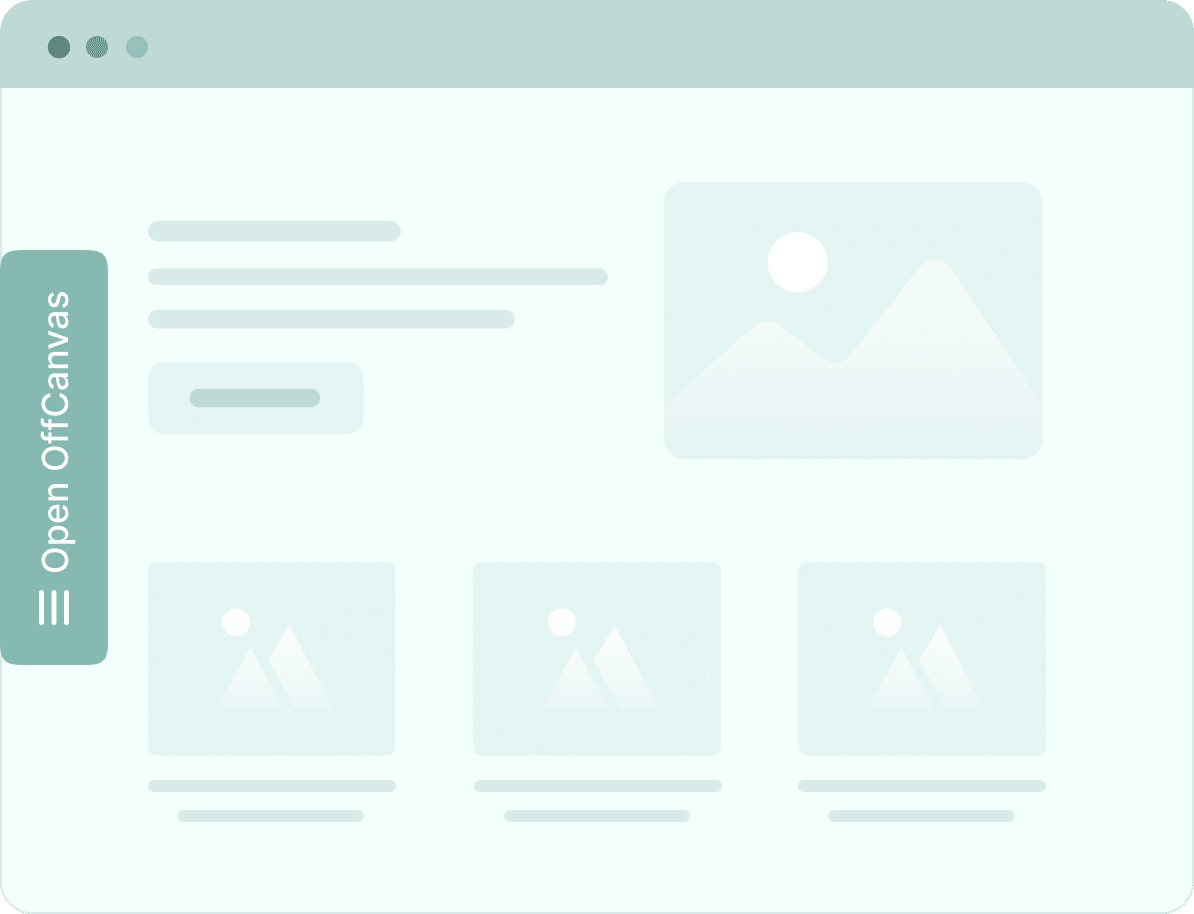
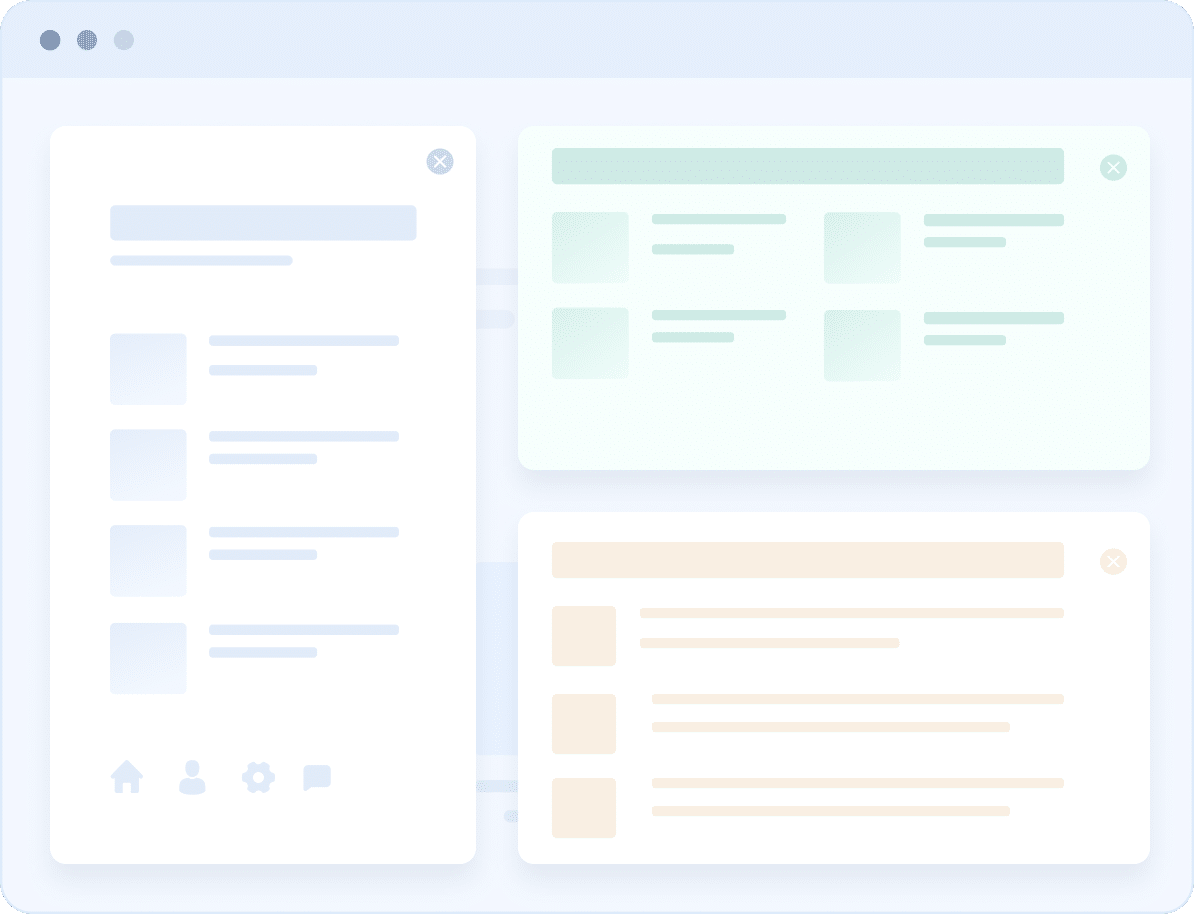
Showcase Offcanvas Content In Different Directions

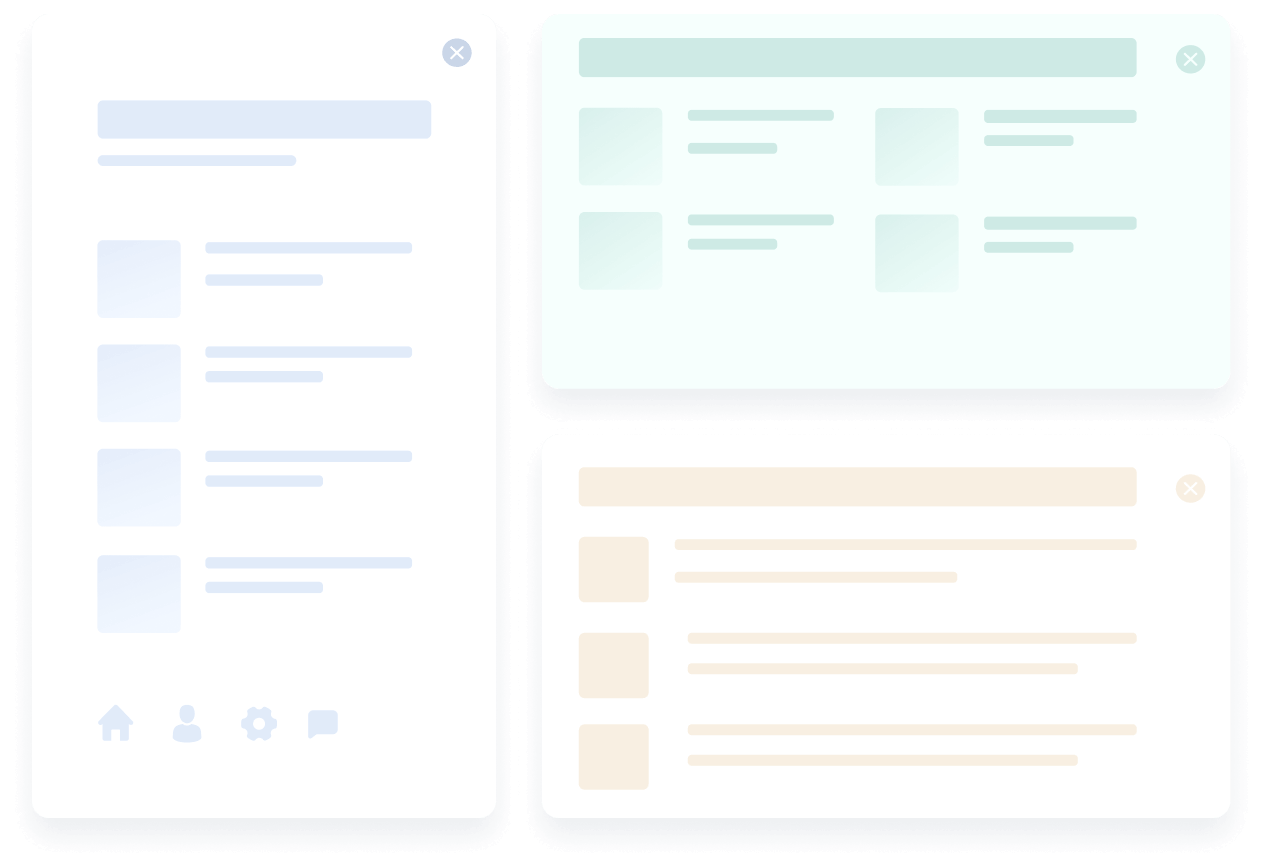
Seamlessly display dynamic offcanvas panels that emerge effortlessly, cascading from left, right, top & bottom with stunning effects.

Reveal Offcanvas Content By Triggering External Element

Link the Offcanvas to any external block and watch as the menu bars and panels appear elegantly, providing instant access to all the information. 

Present Your Offcanvas Type From Any Position

Revel in menus by positioning your offcanvas trigger content in line with your site layout for a harmonious flow, or let it float for a visual statement.

Craft Beautiful Offcanvas
Menu Transition

Present all your necessary information with slides, reveals, pushes, and delightful slide-along transitions with a single click.

Exclusive Offcanvas Block Features

Experience the versatility of Exclusive Offcanvas Block Features: easily position, add dynamic transitions, and integrate external elements using CSS ID or Class Name.

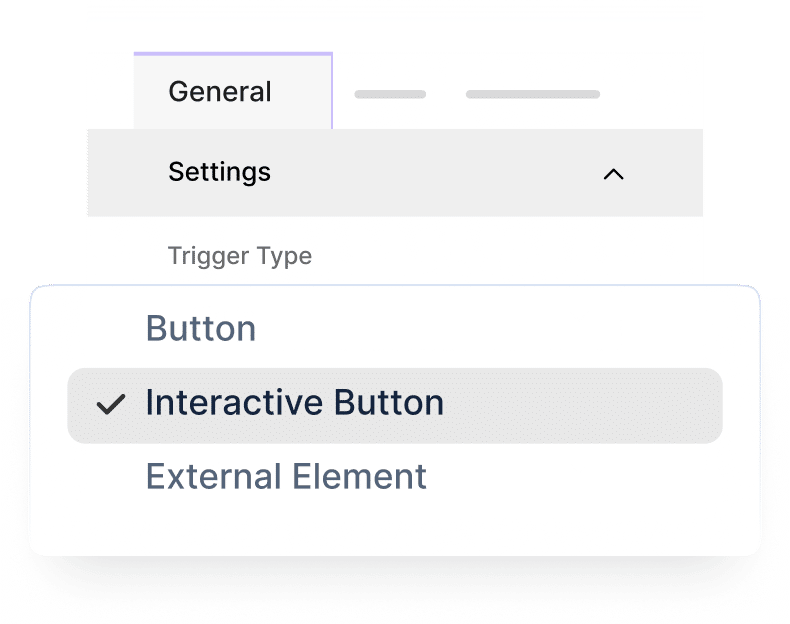
Various Trigger Types

Unveil hidden content on your website through various trigger types, whether through a simple button, an interactive button, or any external element.

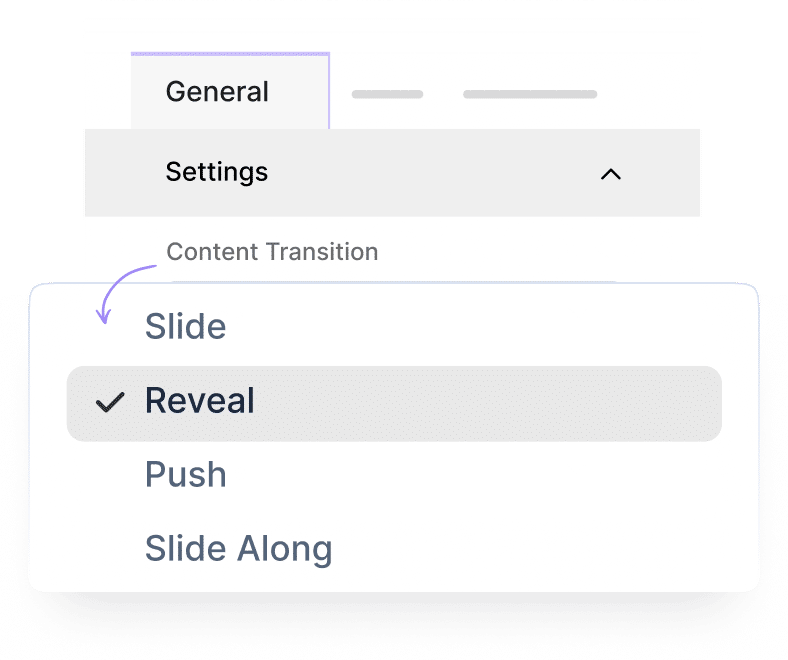
Content Transition

Elevate your website user experience & captivate the audience with offcanvas’ fluid content transitions (slide/reveal/push/slide-along).

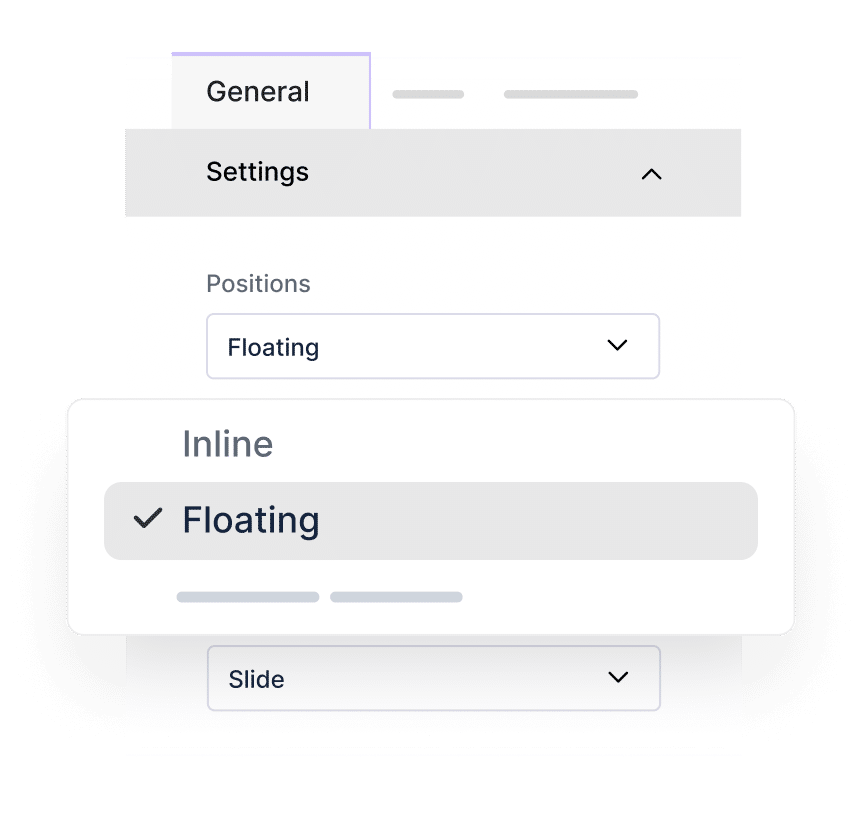
Off Canvas Position

Experience the versatility of offcanvas block with any position you prefer on your webpage – seamlessly integrate it inline with your page layout for a sleek feel, or let it float effortlessly with cool transition effects.

Learn How OffCanvas Feature Works In Gutenberg

Frequently Asked Questions

Still Need Help? Reach out to our dedicated
support team anytime

What themes does Essential Blocks for Gutenberg work with?

Essential Blocks for Gutenberg supports almost all themes that are compatible with Gutenberg.

What are the requirements to use Essential Blocks for Gutenberg?

To use Essential Blocks you need to have a WordPress website that uses the default Gutenberg editor.

Will Essential Blocks slow down my website?

No, Essential Blocks will not slow down your website. It brings you the outstanding facility of complete modular control over the activation of each individual block. We have also used optimized codes for this plugin which helps to load only the resources that are currently using. These advanced facilities will boost your site speed even further.

Can I use Essential Blocks PRO on multiple websites?

Yes! Once you upgrade your plan accordingly, you can use Essential Blocks PRO on multiple websites.

Do you have a refund option?

Absolutely! We take pride in customer satisfaction. Thus, we are offering you a risk-free 14-day money-back guarantee. If you are not happy with Essential Blocks PRO within this period, we will happily refund your money.

What will happen after my license expires?

You can still use all of our premium features once the license expires, except you will just not get new premium updates and support. Don’t worry, we will notify you to renew your license.


Elevate Your Web Design & Development In Gutenberg 
With Essential Blocks

No worries! We offer 100% No-Risk Money Back Guarantee only if you’re not satisfied enough.

  • Feature Item 1

  • Feature Item 2

  • Feature Item 3

  • Feature Item 4

  • Feature Item 5

Essential Blocks- gutenberg

EB plugin has many cool features that are free out of the box, and if you want even more, you can upgrade to the pro version. It’s an awesome plugin to have.

Form Block