Protected Content Demo

Protected Content

Protect Your Content and Share It Only With the Right Audience.

Add password protection to any block or section on your WordPress site; no coding needed. Control who sees what, and keep your exclusive content truly exclusive.

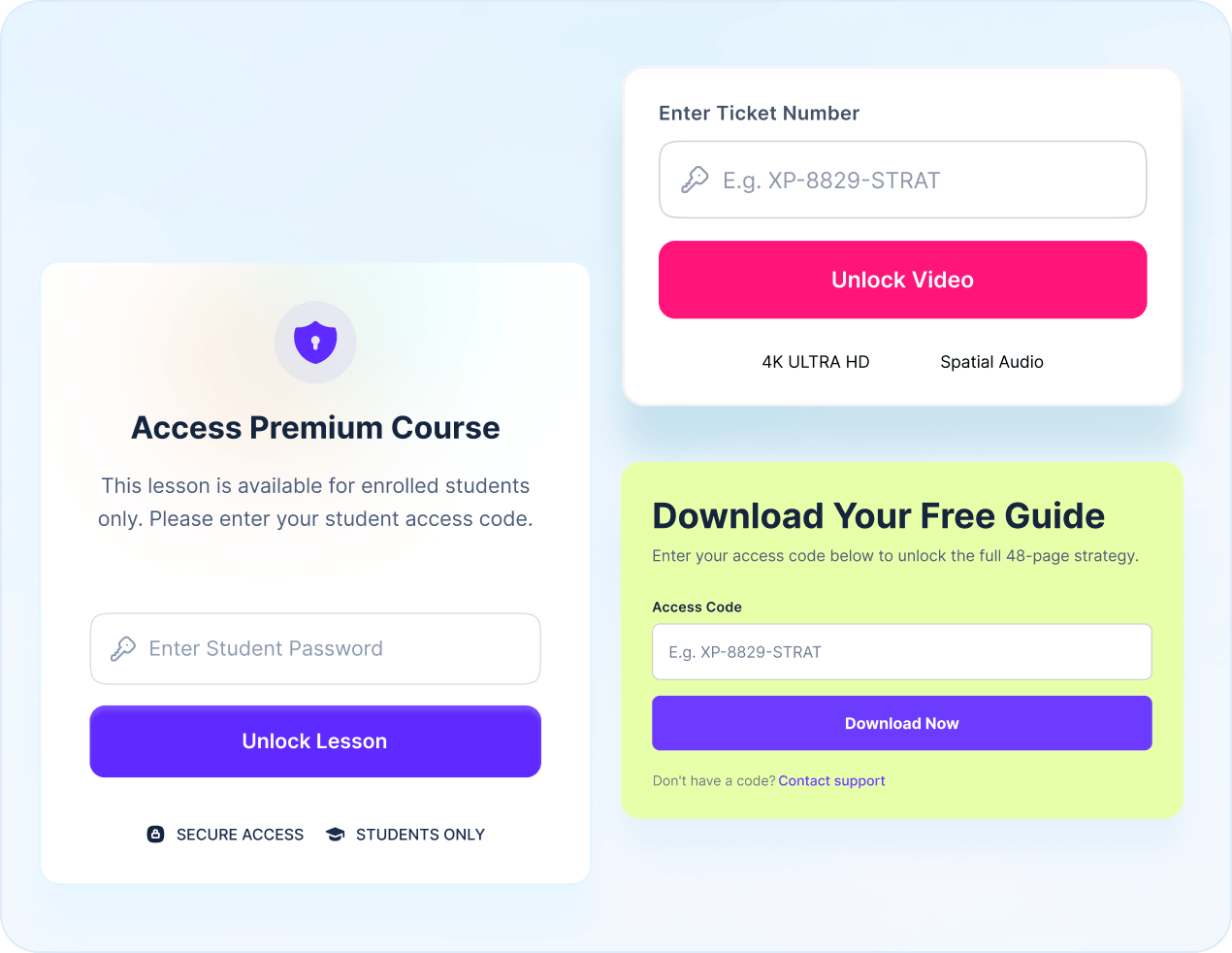
Restrict course content to paying students only. Keep your lessons exclusive.

Gatekeep your best assets behind an access code and create members-only access.

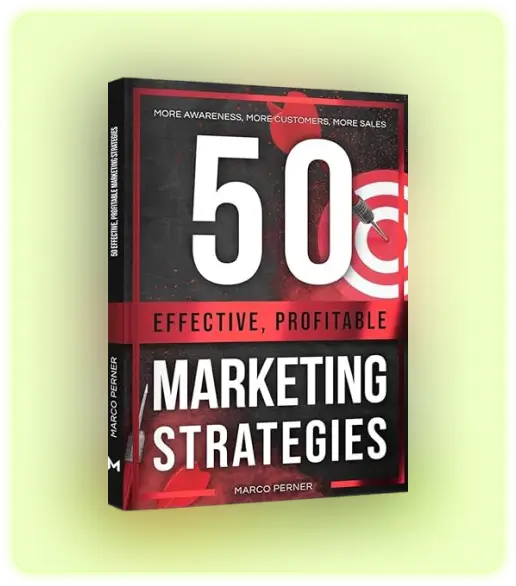
Download Your Free Guide

Enter your access code XP8829 below to unlock the full 48-page strategy.

Here is the  PDF link

Don’t have a code? Contact support

Share event recordings only with verified ticket holders. No ticket, no access.

Password-protect sensitive reports so only authorized users can view confidential documents

Unlock Your Exclusive Deal

Enter your coupon code below to reveal your special discount and secure your savings.

Secure Financial Access

Verify your identity to access the Quantum terminal and manage your digital assets.

Secure Financial Access

Customize & Control The Entire Protected Content Experience

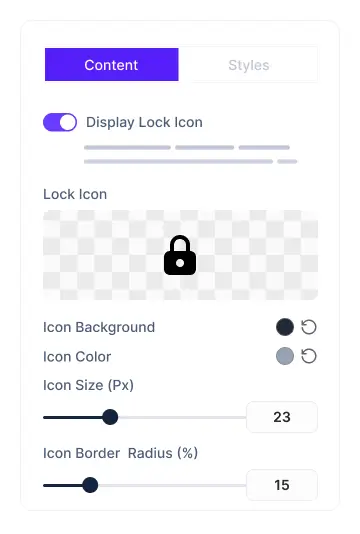
Display Lock Icon

Display and customize a lock icon above the restriction message to clearly indicate protected content.

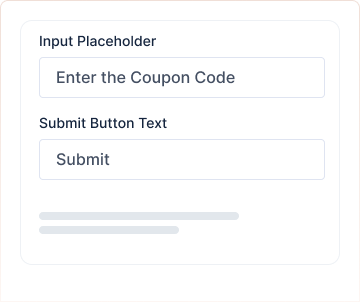
Input Placeholder

Set the exact text that appears inside the password field to guide your visitors clearly. Customize the submit button label to match your brand’s tone.

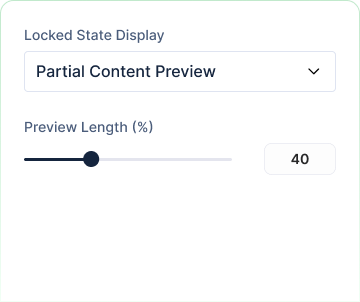
Locked State Display

Choose how the restricted content appears to unauthorized visitors. Show a partial preview or blurry content to tease what’s inside

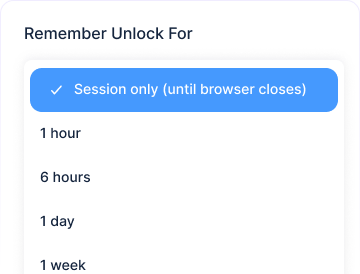
Unlock Session

Decide how long your audience can preview the unlocked content after entering the password. Set a custom duration that fits your needs.

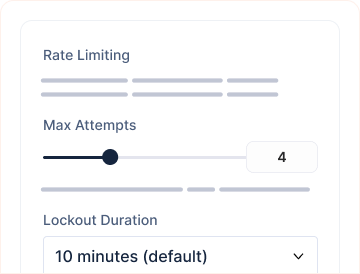
Limit Login Attempts

Protect your content from brute-force attacks with built-in rate limiting. Set a maximum number of wrong attempts allowed.

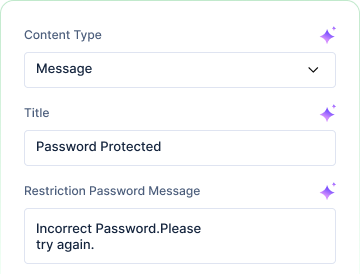
Content Type

Decide exactly what locked-out visitors see; display a simple message or use a fully customized content pattern.

Frequently Asked Questions

Still Need Help? Reach out to our dedicated support team anytime

What themes does Essential Blocks for Gutenberg work with?

Essential Blocks for Gutenberg supports almost all themes that are compatible with Gutenberg.

What are the requirements to use Essential Blocks for Gutenberg?

To use Essential Blocks you need to have a WordPress website that uses the default Gutenberg editor.

Will Essential Blocks slow down my website?

No, Essential Blocks will not slow down your website. It brings you the outstanding facility of complete modular control over the activation of each individual block. We have also used optimized codes for this plugin which helps to load only the resources that are currently using. These advanced facilities will boost your site speed even further.

Can I use Essential Blocks PRO on multiple websites?

Yes! Once you upgrade your plan accordingly, you can use Essential Blocks PRO on multiple websites.

Do you have a refund option?

Absolutely! We take pride in customer satisfaction. Thus, we are offering you a risk-free 14-day money-back guarantee. If you are not happy with Essential Blocks PRO within this period, we will happily refund your money.

What will happen after my license expires?

You can still use all of our premium features once the license expires, except you will just not get new premium updates and support. Don’t worry, we will notify you to renew your license.


Get Everything You Need For Web Designing In Gutenberg With Essential Blocks

Don’t worry! You are fully protected by our 100% No-Risk Money Back Guarantee. If you aren’t fully satisfied.

  • Feature Item 1

  • Feature Item 2

  • Feature Item 3

  • Feature Item 4

  • Feature Item 5

Essential Blocks- gutenberg

Good plugin, works well and support is on it. There is room for improvement but overall they are minor things and not worth a four star review

Form Block